
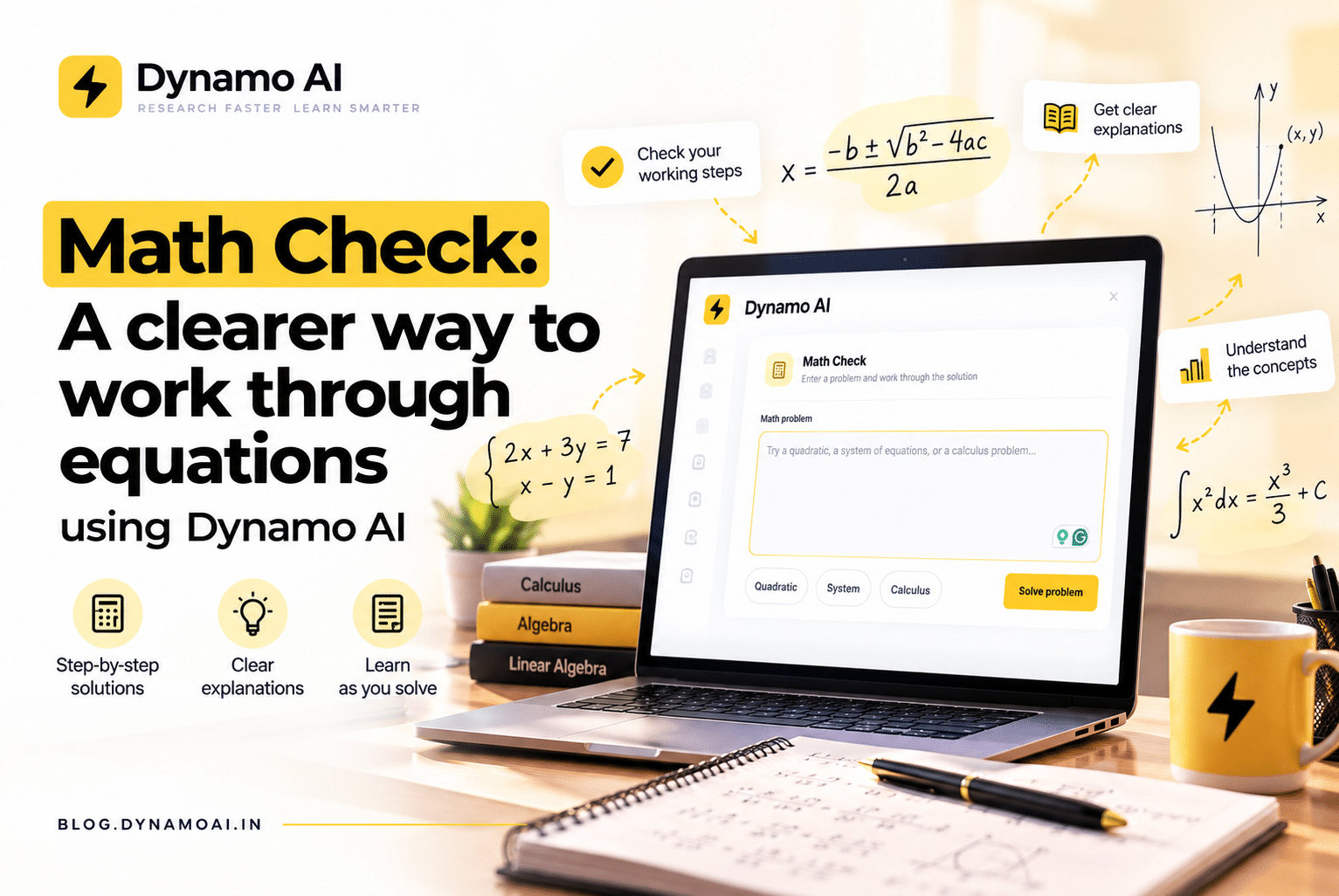
Math is rarely difficult only because of the final answer. The harder part is often knowing whether you rearranged an equation correctly, whether a solution satisfies the original problem, or where a calculation went off track.
That is why Dynamo AI includes Math Check: a focused workspace for entering supported math problems and getting a symbolic result with selected working. It is designed to help people inspect and cross-check calculations—not to replace learning, teaching, or research judgment.
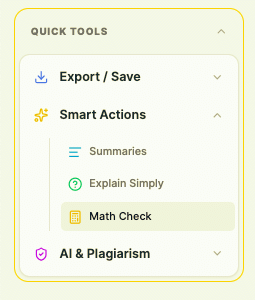
What Math Check does
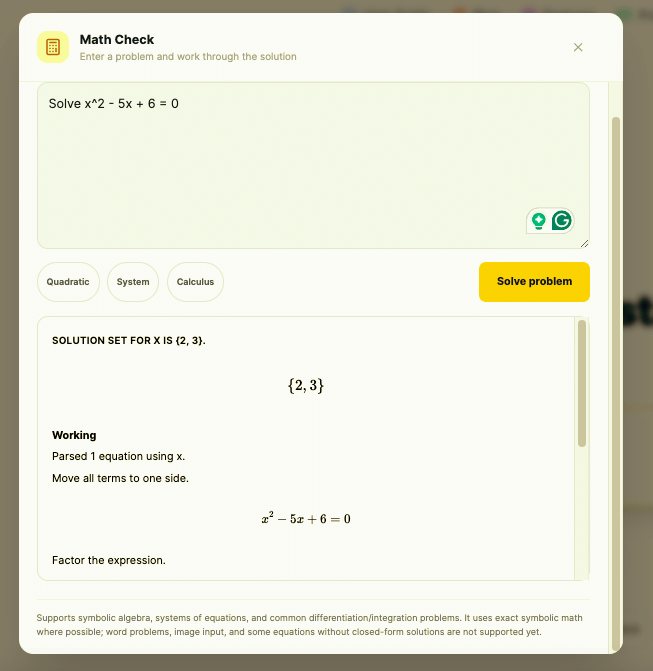
Math Check accepts typed mathematical notation and uses a symbolic math engine for supported expressions. Depending on the problem, it can:
- Solve supported equations and systems of equations.
- Factor, expand, and simplify expressions.
- Differentiate expressions.
- Find supported symbolic integrals.
- Show a result with selected symbolic working to help you inspect the calculation.
For example, a student can enter a quadratic equation, a researcher can check a system of equations, or a faculty member can quickly demonstrate a derivative. The goal is not merely to display a number; it is to make the symbolic result and some of the reasoning visible.
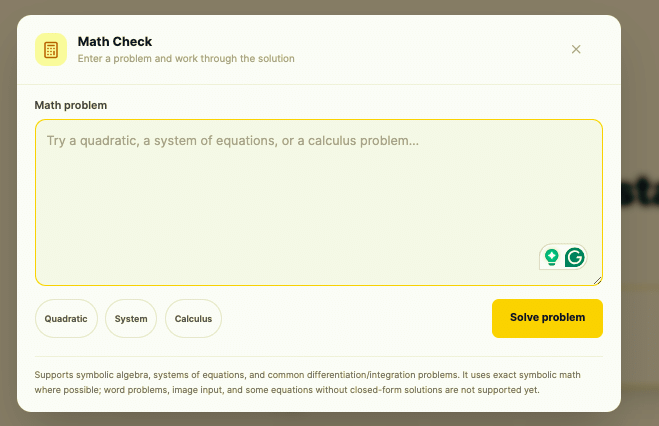
Why students may find it useful
When studying, it is easy to copy a worked example and still be unsure whether you understand the method. Math Check can serve as a second pass after you attempt a problem yourself:
- Work through the problem on paper.
- Enter the equation or expression in Math Check.
- Compare the result and the available working with your own steps.
- If they differ, identify the first step that needs another look.
This is useful for algebra practice, systems of equations, and introductory calculus. It can also help students build confidence before an exam or check a calculation in a lab report. The most useful habit is to try the problem first and use the tool to investigate—not to skip the reasoning.
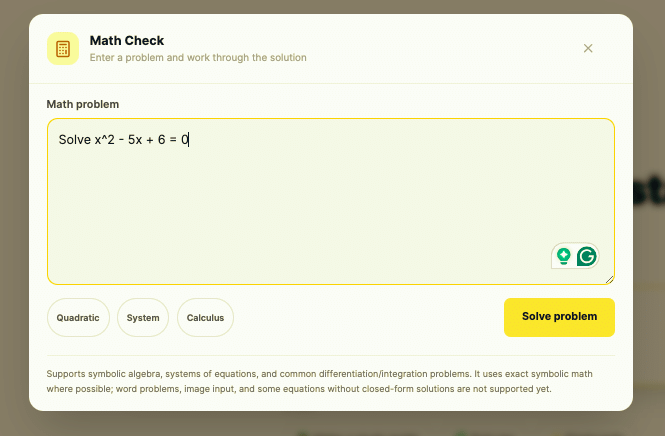
How faculty can use it
Faculty and teaching assistants can use Math Check to prepare or review supported equations, create examples for a lesson, and compare a hand-derived result with a symbolic calculation. During instruction, it can help make an abstract transformation more concrete: enter an expression, show the output, and discuss why the result follows.
It is a supplement, not a grading system. Math Check does not assess a student’s full written proof, award marks, or understand every classroom convention. An instructor remains responsible for checking that the problem is well-posed and that the explanation fits the course.
A small but useful check for research work
Research often involves symbolic steps inside a larger argument: simplifying a model, solving a small system, differentiating an objective function, or checking an expression before moving on to numerical analysis. Math Check can help with those bounded calculations and provide a quick independent check of supported algebra.
That can save time in a daily workflow—especially when a researcher is moving between papers, notes, code, and draft sections. But symbolic manipulation does not validate the research model itself. The tool cannot establish that assumptions are appropriate, data are sound, units are consistent, a proof is complete, or a citation supports a claim. Those still require domain knowledge and independent review.
Where it fits into everyday work
Math Check is most useful at the points where small calculation errors can interrupt a larger task:
- While revising lecture notes or checking homework.
- When preparing a worked example or tutorial.
- Before transferring an equation into a spreadsheet, report, or research script.
- When checking a derivative or integral used in a model.
- When a result looks surprising, and you want another way to inspect it.
It is not intended to replace a general calculator for everyday arithmetic. Its value is in symbolic work: expressions, equations, systems, and selected calculus operations.
Use it with clear expectations
Math Check is a bounded symbolic tool, not an all-purpose math tutor or proof verifier. It expects typed notation rather than a photo or a natural-language word problem. The current input and solver have limits: a problem can contain up to five equations and four variables, polynomial equations are bounded in degree, and only supported functions and syntax are accepted. Some integrals or equations may not have a supported closed-form result. Displayed steps are intended to aid inspection; they are not a formal proof or a guarantee that every explanation line is correct.
For important academic or research work:
- Check that you entered the original problem correctly.
- Read the assumptions and domain relevant to your problem.
- Substitute a proposed solution into the original equation when appropriate.
- Verify consequential results independently before relying on them.
Math Check requires a signed-in Dynamo AI account. Open Math Check, enter a supported expression or equation, and select Solve problem to review the result and available working.
A tool for checking, not outsourcing, understanding
Good problem-solving is more than reaching an answer. It includes choosing a method, recognising assumptions, and explaining why a result makes sense. Math Check is meant to support that process with a quick symbolic cross-check and visible working where available.
Use it to test your reasoning, prepare a lesson, or inspect a calculation in a research workflow. Keep your own judgment in the loop—and treat the answer as one useful check, not the final authority.
Try Math Check in Dynamo AI.